
SuluhALMS
A study companion that turns a PDF, Word file, web page or YouTube lecture into a self-paced mastery course.
macOS
SuluhALMS is in a pilot at UPSI and still in active development. Builds for Apple silicon Macs are public.
Checking the latest version...
SuluhALMS is a study companion for anyone learning something in a structured way: a student working through a textbook, a teacher taking on a new topic, or anyone who wants to really understand a long lecture. Give it your material and it builds a self-paced course with objectives, units, narrated unit videos, questions and spaced review, then takes you through it one step at a time.
Behind it is a team of AI agents led by an Orchestrator. A Source Analyst reads your material, a Curriculum Architect plans the units, an Instructional Designer writes the lessons, an Assessment Designer writes the questions and a Media Producer makes the videos. A Quality Auditor checks their work against the source before you see it. While you learn, a Learning Analyst reads your wrong answers and a Tutor answers your questions. The agent log shows which agent did what, and whether a rule or the AI model made each decision.
A unit opens once the one before is mastered at 80 percent, and every explanation and question cites the page or section it came from.
Answers and progress stay on the Mac, and there is no account. Only the course text goes to the AI provider you choose (and the narration to HeyGen, if you add a HeyGen key). With Ollama, nothing leaves the Mac at all.
- Any source
- Start from a PDF, including scanned pages, a Word file, a web page or a YouTube lecture. Long books are split into chapters so you choose what to cover.
- One step at a time
- Each unit is a short path: your task, watch, read, practise, unit test. A quick check closes each section, and a daily goal and streak keep you going. The level you pick sets the depth, from plain language to critique and transfer.
- A Tutor beside every unit
- Ask about a section, a passage you select or a moment in the video. The Tutor answers from the unit’s own pages, names them, says when it goes beyond the course, and gives hints before answers.
- Help when you are stuck
- Fall short of 80 percent and each missed objective is taught a different way, followed by a retest with new questions. Miss it again and the Orchestrator picks the next step, such as smaller steps, a recap of an earlier unit or a moment in the video, and tells you why.
- Nine agents, one Orchestrator
- Rules handle scheduling, retries and the spending limit. The AI model is asked only where judgement helps: spotting a misconception in your wrong answers, re-planning for a stuck learner, or deciding what to do with work the Quality Auditor keeps rejecting.
- Checked before you see it
- Every lesson, question and video script is checked against the source. A wrong answer key goes back to the agent that wrote it, and a question still wrong after two rewrites is left out. You can still report a question; it stops counting and a replacement is written.
- Unit videos
- Each unit gets a narrated video with designed scenes such as timelines, cycles, comparisons and charts, drawn only from numbers in your source. Questions pause the video, and a wrong answer offers to rewind to the part that explains it.
- Spaced review
- Questions come back on a schedule, so you revisit what you are about to forget.
- Share a course
- Build a course once and export it as one file. It opens on another Mac with its videos ready, with nothing rebuilt or paid for again.
- Analytics and cost
- See mastery per objective, time on task, video engagement and misconceptions, and export a PDF report in English or Bahasa Malaysia. Each course shows what its AI has cost so far, and you can set a limit.
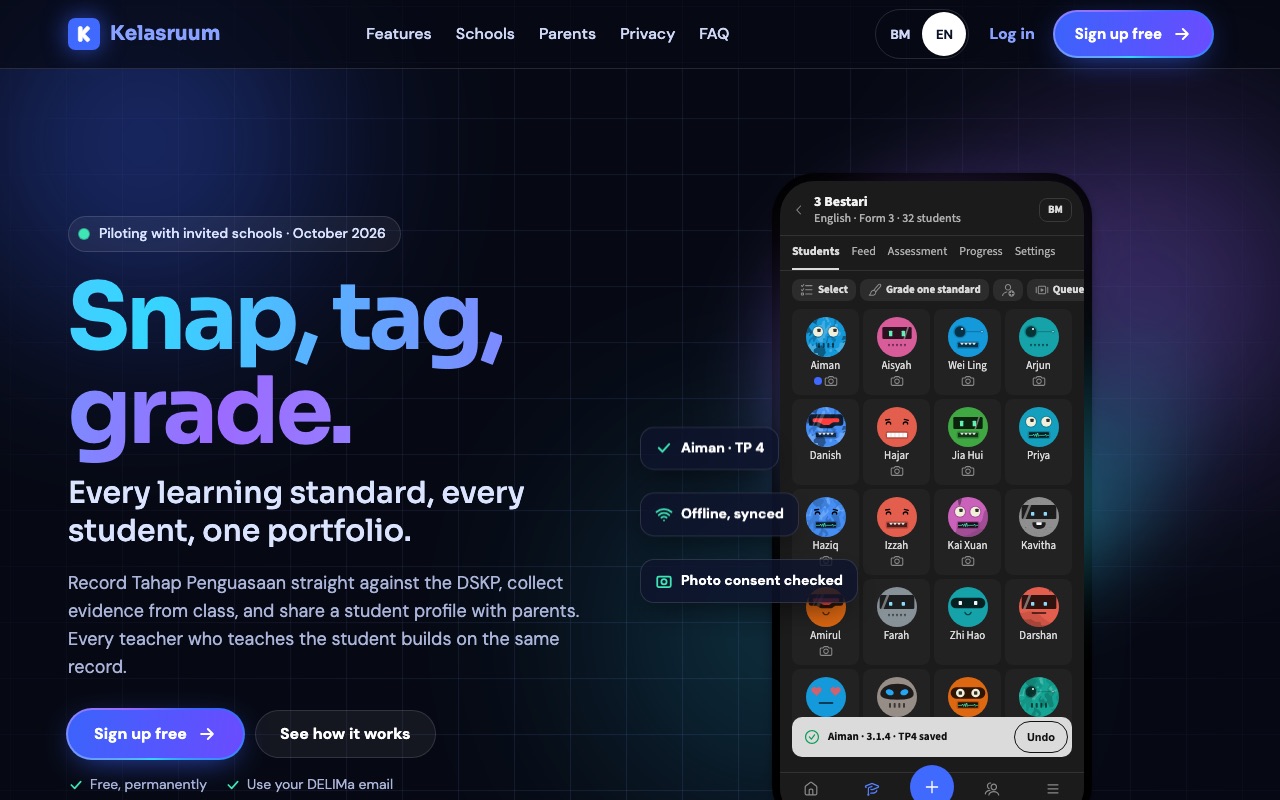

Classroom assessment (PBD) for Malaysian teachers, straight from the DSKP.
Web, Installable on phones
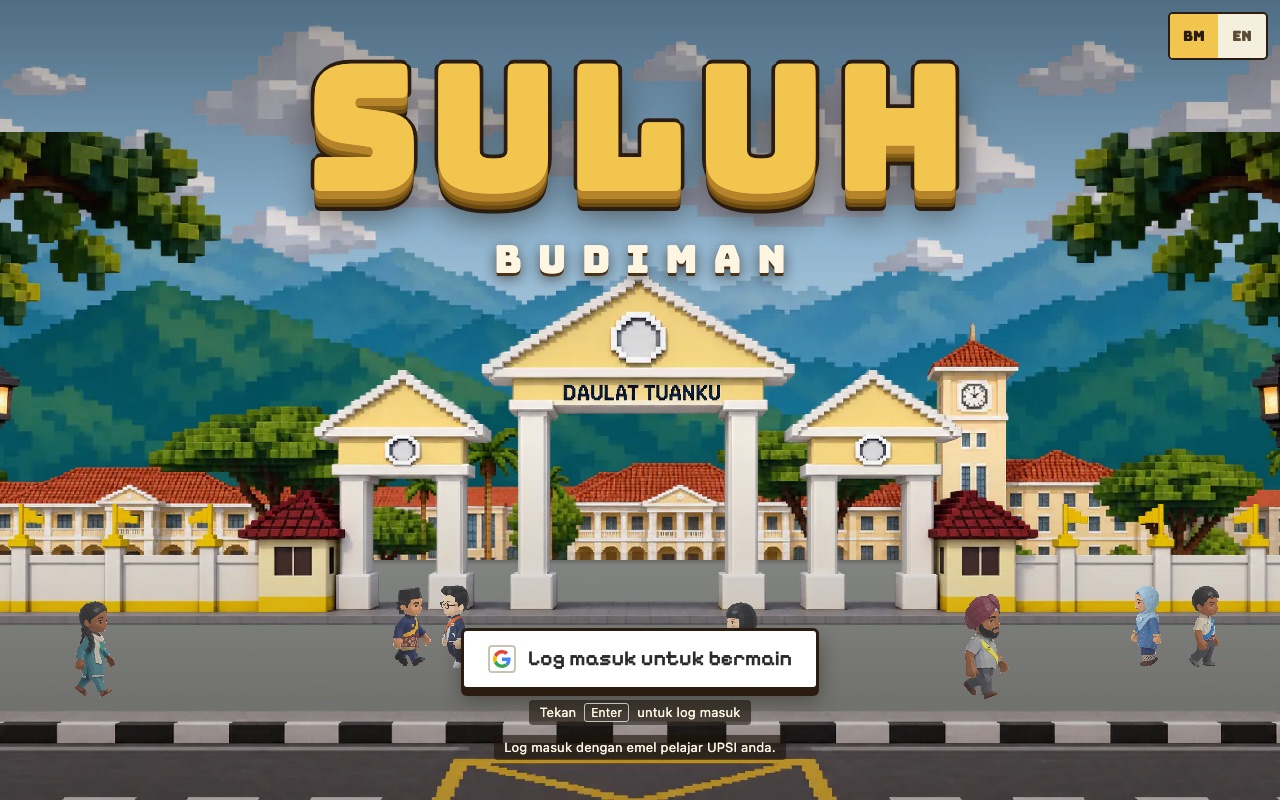

A multiplayer 3D campus game for a course on Malaysian education.
Web, Phone and laptop