SuluhDiff
The missing diff tool for writers: see every change between two drafts, and whether your feedback was taken.
Mac, iPad
SuluhDiff for iPad is on the App Store now, and the Mac version is in App Store review. Comparing drafts is free; one purchase unlocks the rest.
SuluhDiff puts two drafts of a thesis, article or novel side by side and shows every word that was added, cut, rewritten or moved, joined by ribbons so you can follow each paragraph from one draft to the next.
Programmers have always been able to see exactly what changed between two versions of their work. Writers have had to read both drafts and hope they spot the differences. SuluhDiff is for supervisors and lecturers checking a student’s revised chapter, students and researchers revising their own work, and novelists and professional writers reviewing an editor’s pass.
Suluh is Malay for a torch, something that lights the way.
- Every edit, marked in place
- Ribbon View joins two drafts side by side. Inline View shows cuts struck through and new text highlighted in one clean read.
- Moves are moves
- A paragraph that moved is recognised as a move, not as a deletion and an addition.
- Feedback that follows the text
- Comment on any passage. When the next draft arrives, each comment is checked against it: revised, unchanged, removed or moved.
- Every citation, accounted for
- See citations added and removed, and catch citations missing from the reference list before your examiner does.
- Find across both drafts
- Follow a key term through a revision: only the changes, only one draft, whole words, or with accents and Arabic harakat ignored.
- Reports and revisions
- Export a change and feedback report as PDF or HTML, in English or Bahasa Malaysia. Fork any draft and edit your own revision beside it.
- The files you already have
- Word with tracked changes and comments, PDF with annotations, LaTeX, Markdown and plain text, including Arabic and Hebrew.
- Private by design
- No account, no tracking, no analytics. Optional sync between your Mac and iPad is end-to-end encrypted in your own iCloud.
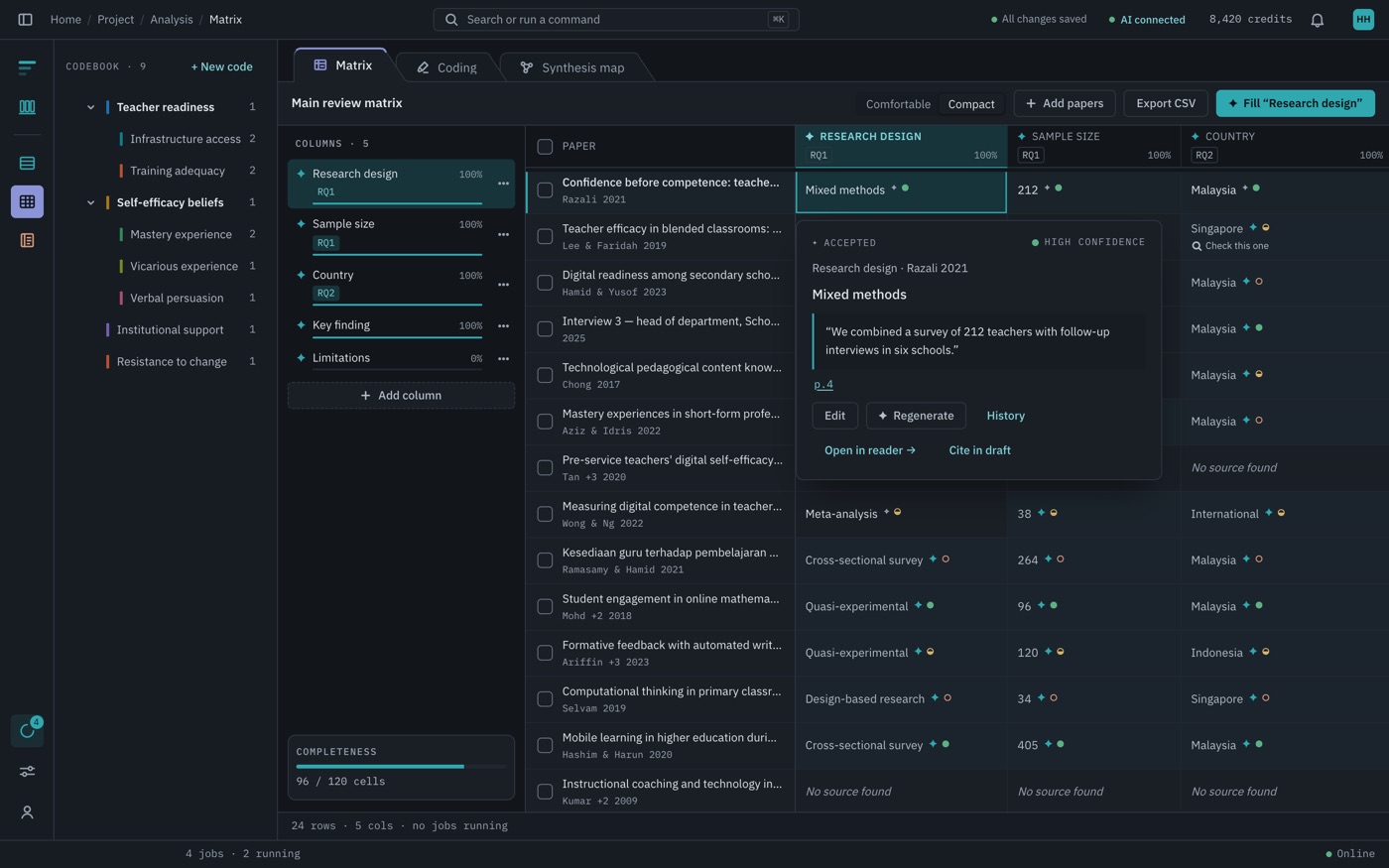

One research workspace for your sources, analysis and writing.
Web
Meeting and interview transcripts that never leave your Mac.
macOS
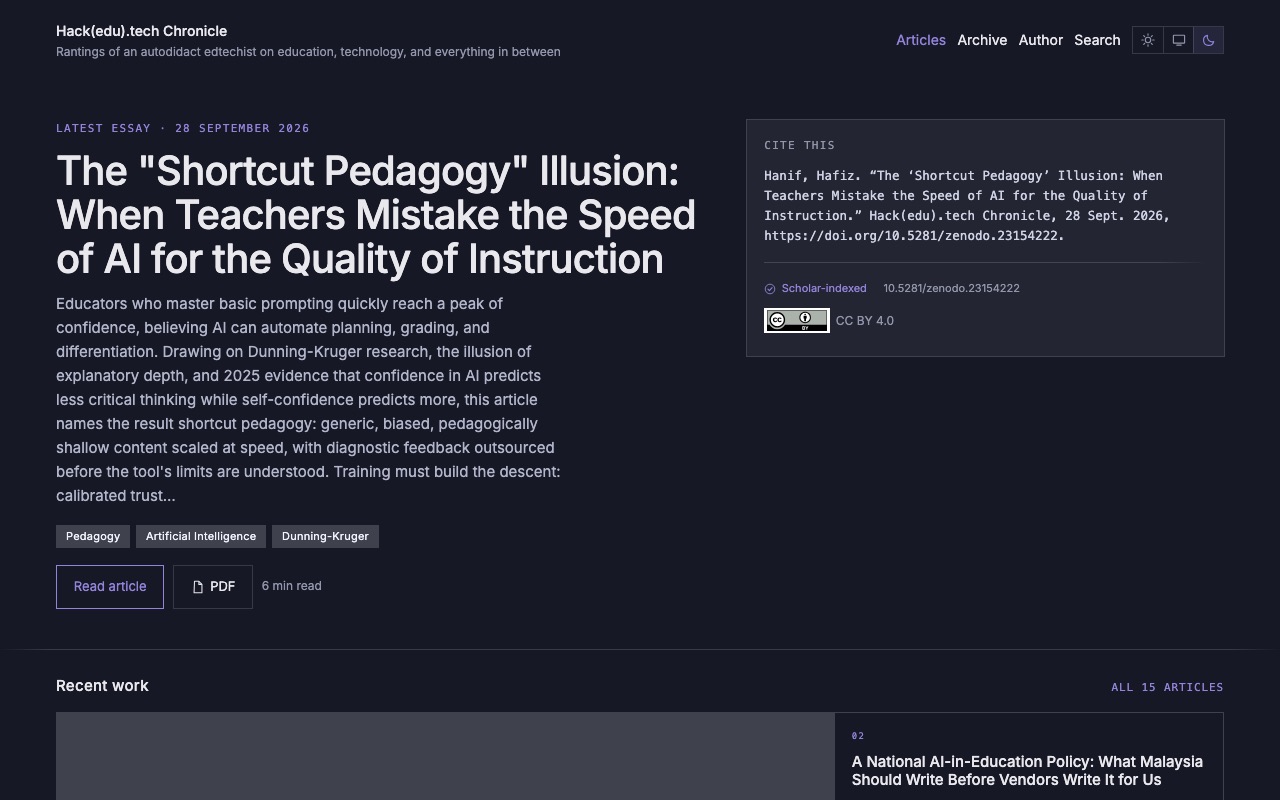
My scholarly blog on education and technology.
Web